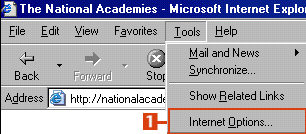
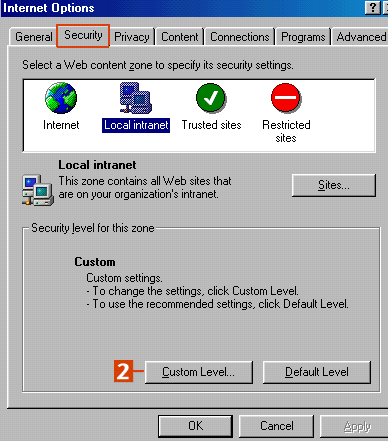
2. Then click the Security tab. Click the Custom Level button.
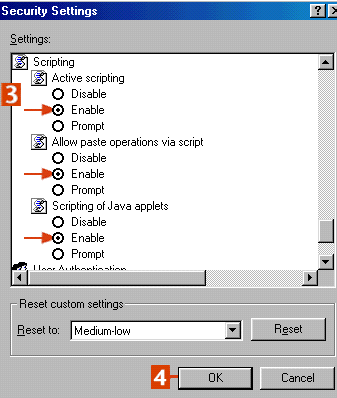
3. From the Security Settings, scroll down to the Scripting settings, make sure Active scripting, Allow paste operations via script, and Scripting of Java applets are on by clicking the radio button for each setting.
4. Click OK to approve this change (and Yes to any warning windows) and OK again to leave the Internet Options area.